Buying guides
Published 2026-09-29 · Last reviewed 2026-09-30
How Much RAM Do You Need in 2026?
RAM is the one upgrade where buying too little hurts every day and buying too much quietly wastes money. With memory prices up sharply in 2026 — we went through why in Should You Buy PC Parts Now or Wait? — getting the amount right matters more than usual.
This guide answers one question: how much do you actually need for what you do.
The short answer
| What you use the computer for | Works | Comfortable |
|---|---|---|
| Web, email, documents, streaming | 8 GB | 16 GB |
| Gaming at 1080p and 1440p | 16 GB | 32 GB |
| Gaming at 4K, with ray tracing or heavy mods | 24–32 GB | 32 GB |
| Video editing in Premiere Pro | 64 GB | 96 GB or more for 4K |
The sections below explain where each line comes from.
8 GB: the floor, not a target
Microsoft's own minimum for Windows 11 is 4 GB. In 2026 its stated goal, as Digitec reported, was that Windows 11 "should run smoothly even on devices with 8 GB of RAM", which tells you where the realistic floor for a new machine sits. Eight gigabytes is fine for a browser, an office suite and a video call. In our view it gets tight once you add many browser tabs, games or creative apps.
16 GB: enough for most people
Sixteen gigabytes covers everyday work and most games. Game requirements are the clearest guide here, because studios publish them. When Forza Horizon 6's PC requirements were announced in March 2026, they listed 16 GB for both its minimum (1080p) and recommended (1440p) settings.
32 GB: for high-end gaming and keeping lots open
The same game asks for 24 GB at its 4K "Extreme" setting and 32 GB for "Extreme RT", its ray-traced setting at upscaled 4K. In other words: 16 GB runs it, and the top settings want 32 GB. If you also keep a lot open in the background or run large mod lists, 32 GB gives you room.
Microsoft itself went back and forth on this. It had recommended 32 GB as the ideal amount for demanding games and mods, then, as Digitec reported, withdrew that recommendation in May 2026 "following strong criticism from the gamer community". The honest reading: 32 GB is comfortable, not required.
64 GB and up: creative work
Video editing is where memory needs jump. Puget Systems, which builds editing workstations, generally recommends a minimum of 64 GB for Adobe Premiere Pro, and lists 96 GB as its minimum for 4K projects. If editing is your work, plan in this range.
Two sticks usually beat one
Mainstream PCs read memory over two channels, and a single stick uses only one of them. In July 2026 Tom's Hardware tested one 16 GB DDR5 stick against two sticks on four current processors, at 1080p across 13 games. Three of them lost between 8.3% and 10.9% of their average frame rate; AMD's Ryzen 7 9800X3D, with its large extra cache, lost 2.8%. The site concluded that a single stick "holds up surprisingly well" as a stopgap, which is why it can be a reasonable choice if you plan to add a second one later.
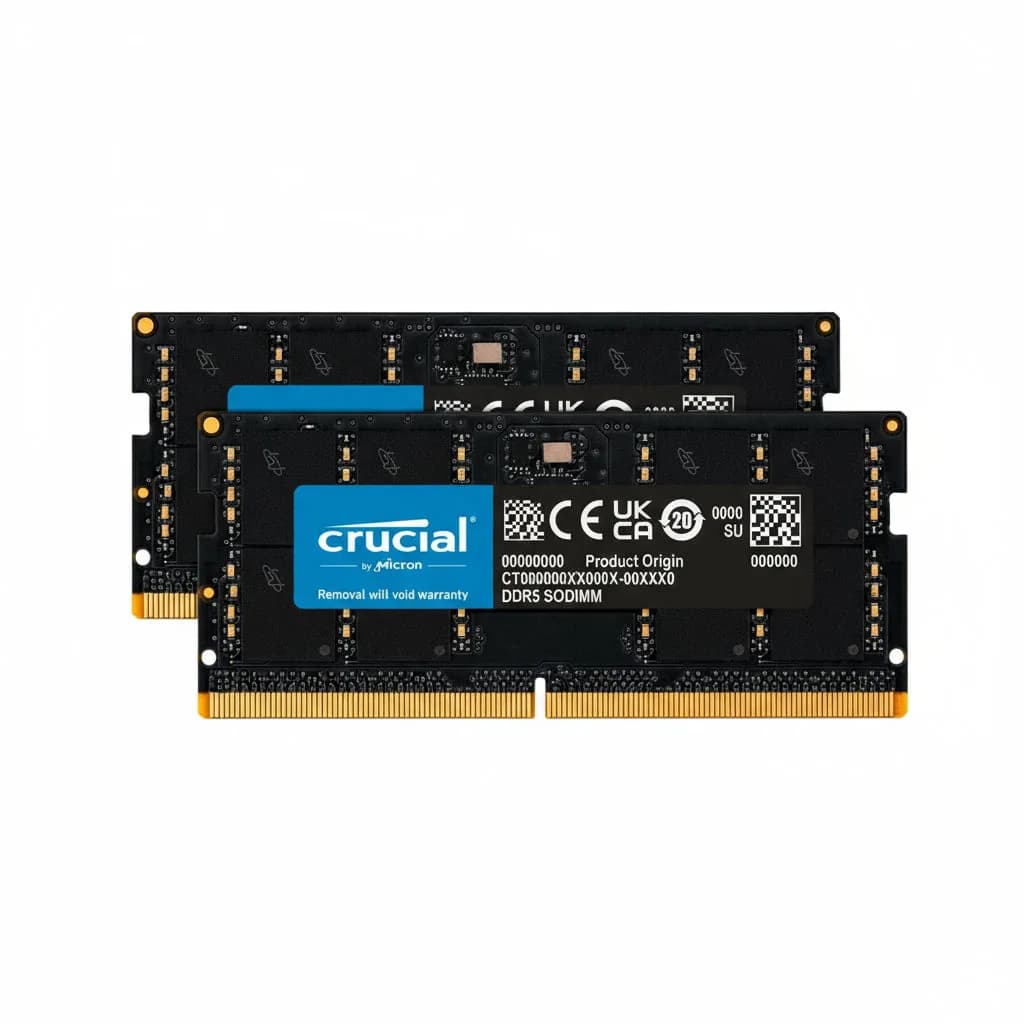
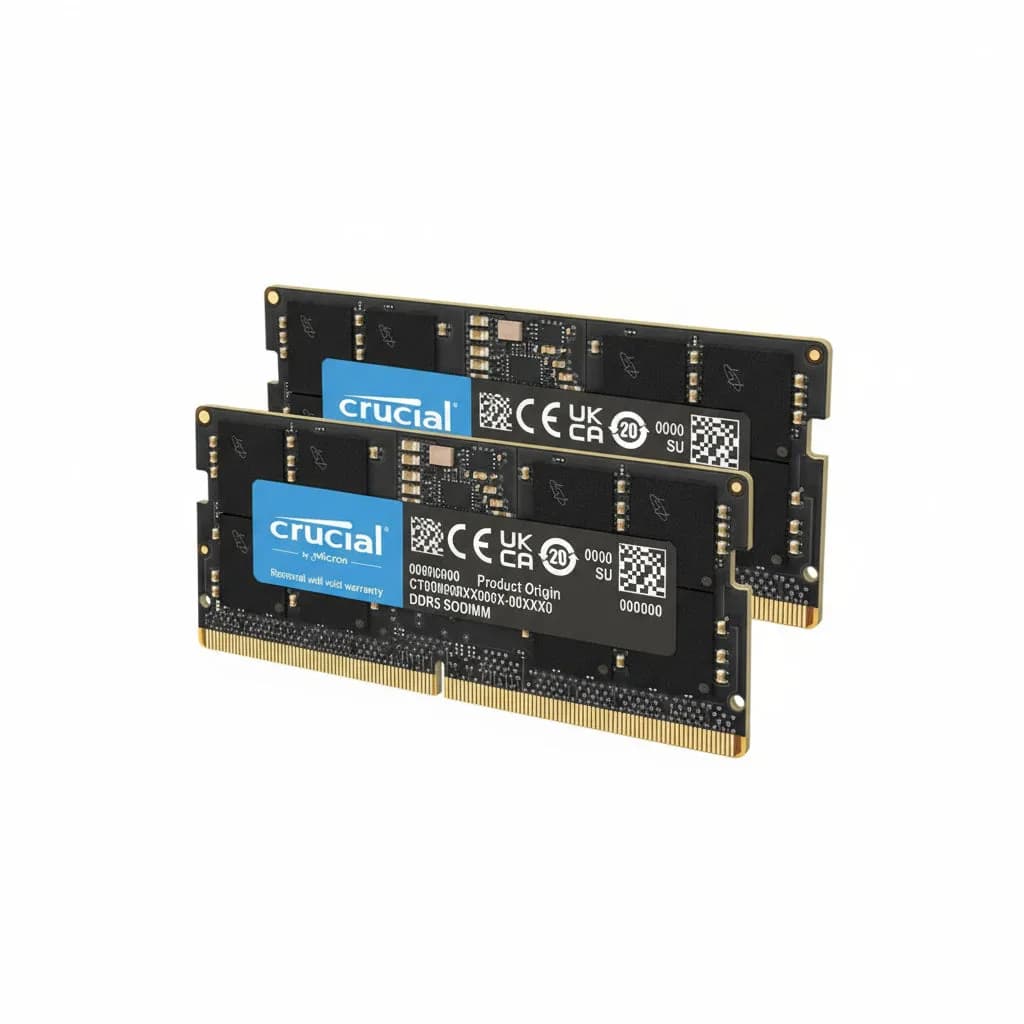
So when you compare listings, a "kit" of two matched sticks (for example 2 × 16 GB for 32 GB) is usually the better buy than one stick of the same total.
Check what your computer takes before you order
Three things decide which memory fits. Getting any of them wrong means the stick will not work:
- DDR4 or DDR5. They are not interchangeable. The motherboard decides. AMD's AM5 platform, for example, supports only DDR5. Your motherboard or laptop maker's product page states which one it takes.
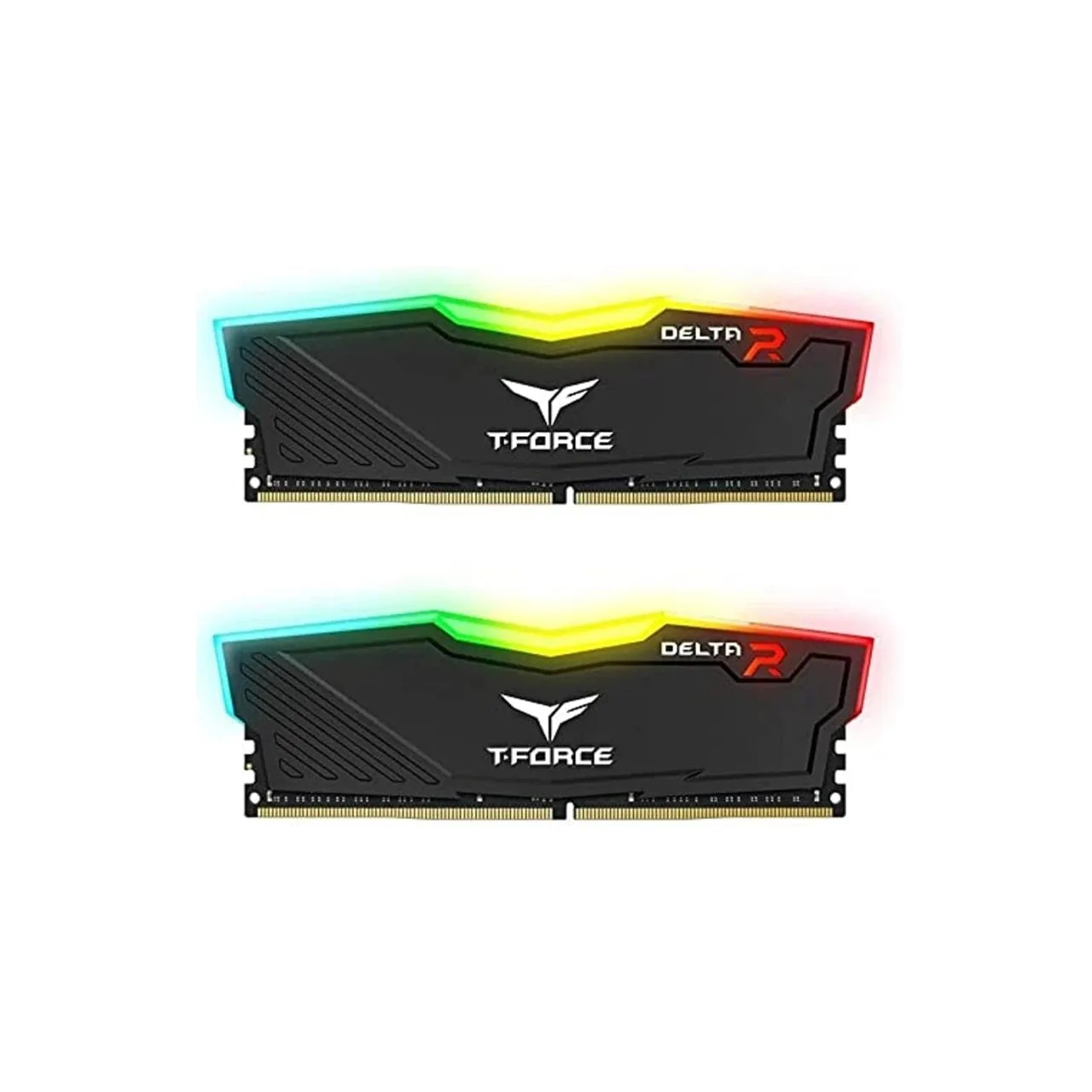
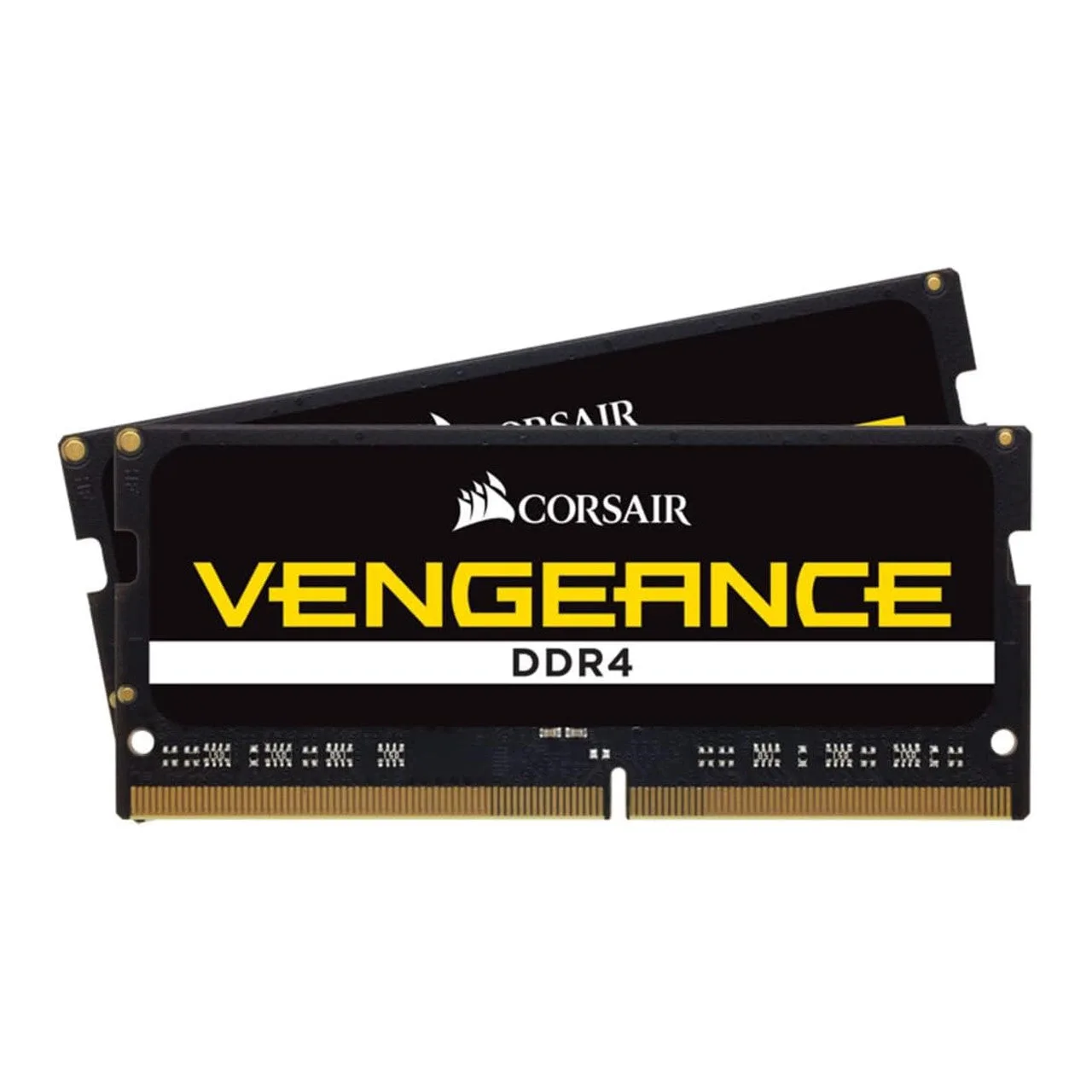
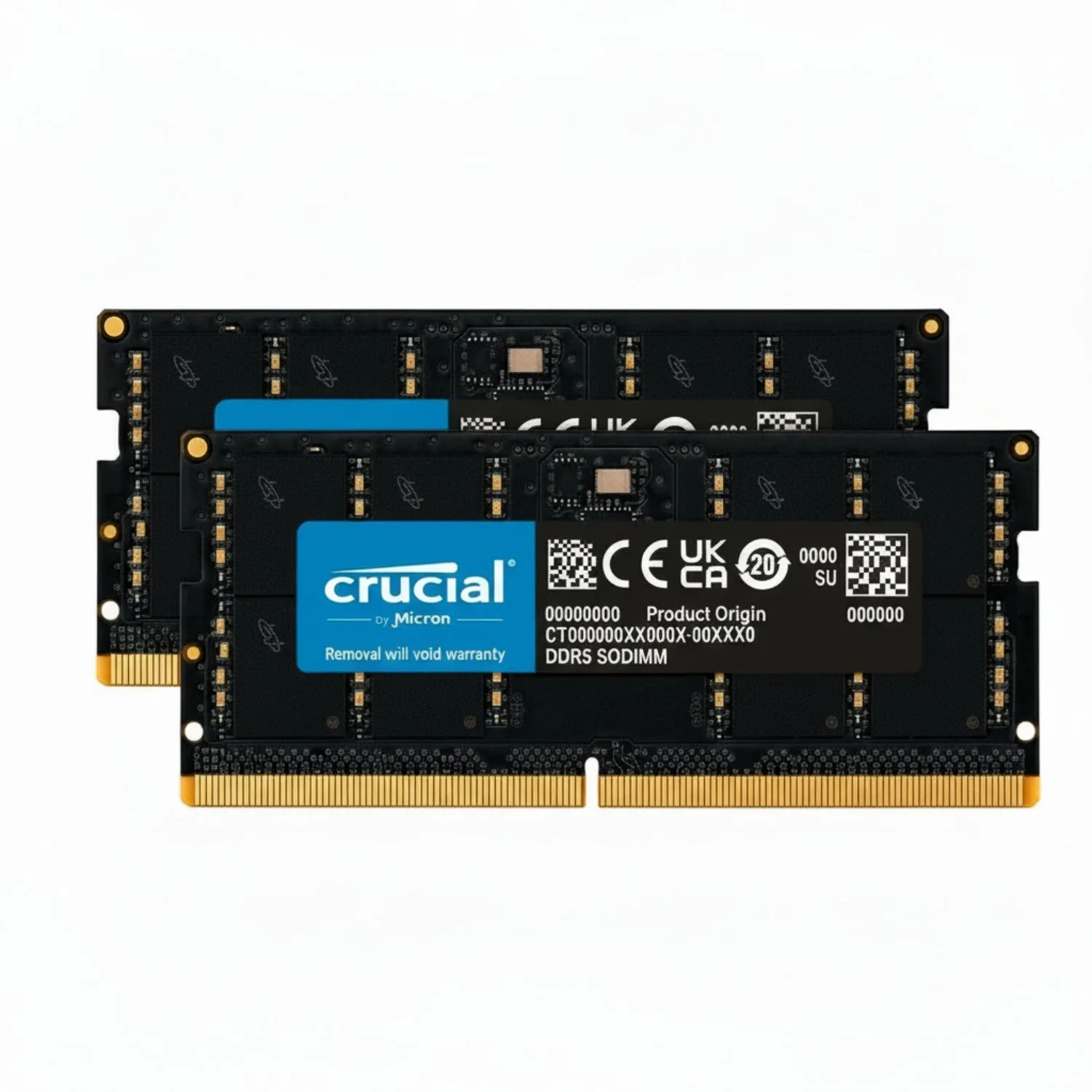
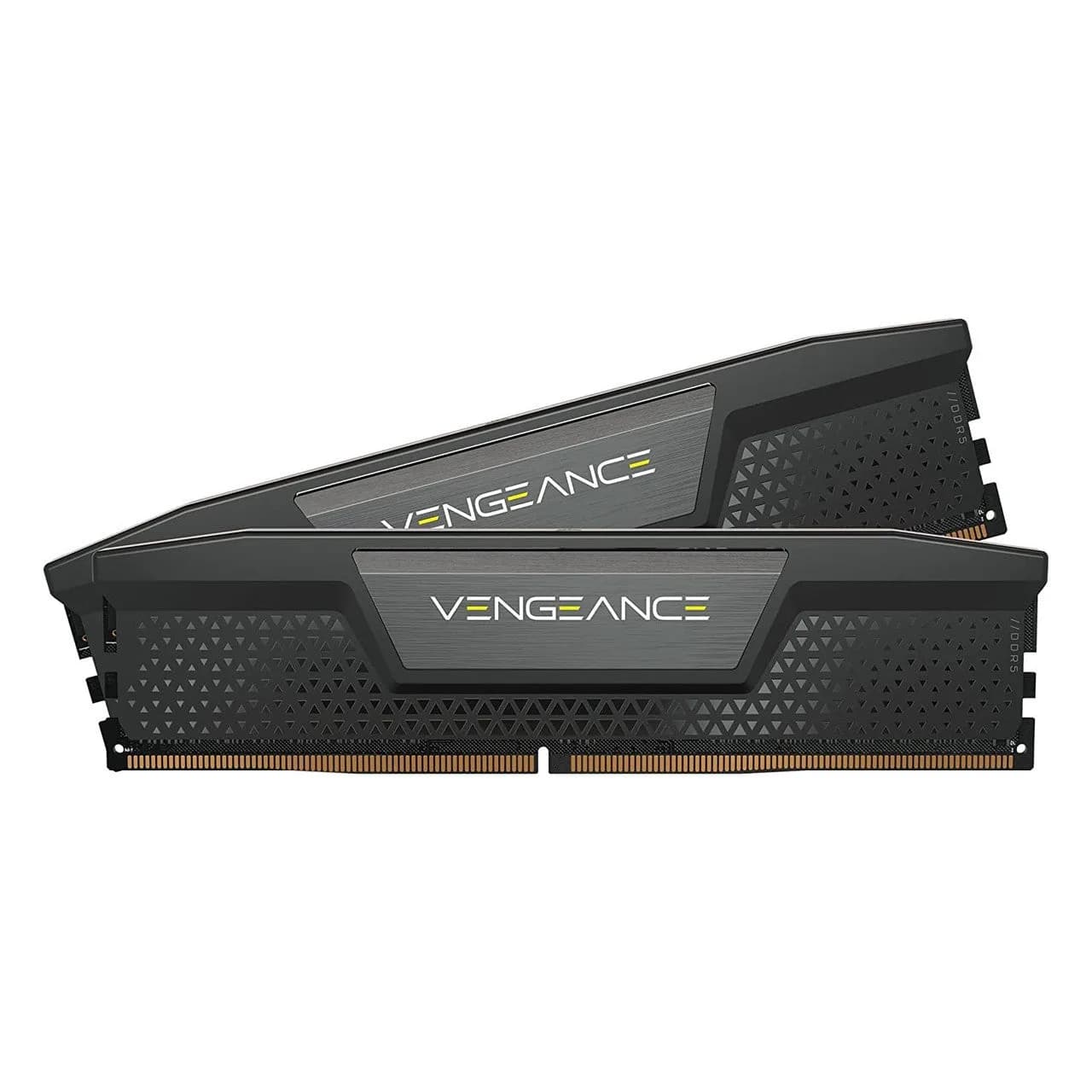
- Desktop (DIMM) or laptop (SO-DIMM). Laptop memory is a shorter module — a DDR5 SO-DIMM is about half the length of a desktop DIMM — and the two will not fit each other's slots.
- Soldered or upgradeable. Some laptops have memory soldered to the board and cannot be upgraded at all. The maker's specifications say which.
Where the store provides it, our listings carry the memory type and module format in the product name, so check the name against what your machine takes.
The bottom line
- Everyday use: 16 GB.
- Gaming: 16 GB runs current games (as of September 2026); 32 GB for the highest settings.
- Video editing: 64 GB or more.
- Buy matched pairs where you can, and confirm DDR4 or DDR5 and DIMM or SO-DIMM before you order.
Sources
- Microsoft, Windows 11 specifications — 4 GB minimum RAM. Accessed 2026-09-29.
- Digitec Galaxus, Microsoft drops 32GB RAM recommendation and optimizes Windows for 8GB, 2026-08-06 — Microsoft's 32 GB recommendation, its withdrawal in May 2026, and the 8 GB goal. Accessed 2026-09-29.
- KitGuru, Forza Horizon 6 PC system requirements announced, 2026-03-26 — 16 / 16 / 24 / 32 GB by tier (Low 1080p, High 1440p, Extreme 4K, Extreme RT 4K upscaled). Accessed 2026-09-30.
- Puget Systems, Hardware recommendations for Adobe Premiere Pro, updated 2026-08-12 — 64 GB general minimum, 96 GB for 4K. Accessed 2026-09-29.
- Tom's Hardware, Single-DIMM DDR5 gaming works better than you probably think, 2026-07-31 — one 16 GB DIMM vs two, 1080p, 13-game geomean: Ryzen 5 7600X −10.9%, Core Ultra 7 270K Plus −8.7%, Core i5-14600K −8.3%, Ryzen 7 9800X3D −2.8%. Accessed 2026-09-30.
- Tom's Hardware, AMD's AM5 will launch with only DDR5 support, 2022-04-24 — AM5 is DDR5 only. Accessed 2026-09-29.
- TechTarget, Compare DIMM vs. SO-DIMM features and uses — DDR5 SO-DIMM 67.6 mm vs DIMM 133.35 mm; not interchangeable. Accessed 2026-09-29.